Scenario 1 — Computer Does Not Boot
Troubleshoot: Power supply, RAM, storage, BIOS/UEFI and boot configuration.
Master Windows administration, Active Directory, Group Policy, Microsoft 365, networking, hardware troubleshooting, printer support, remote desktop support, IT ticketing, incident management and enterprise IT support. The most comprehensive Desktop Support Engineer Course in Bangalore with placement assistance.




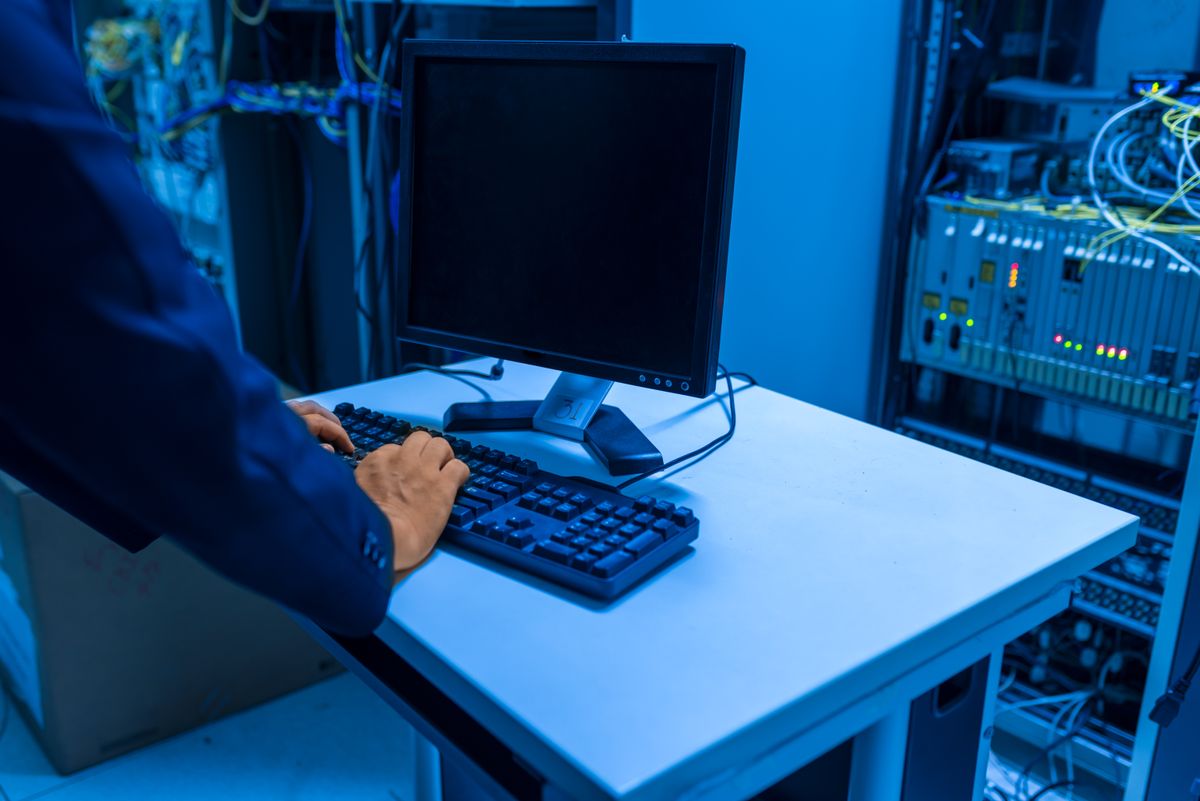
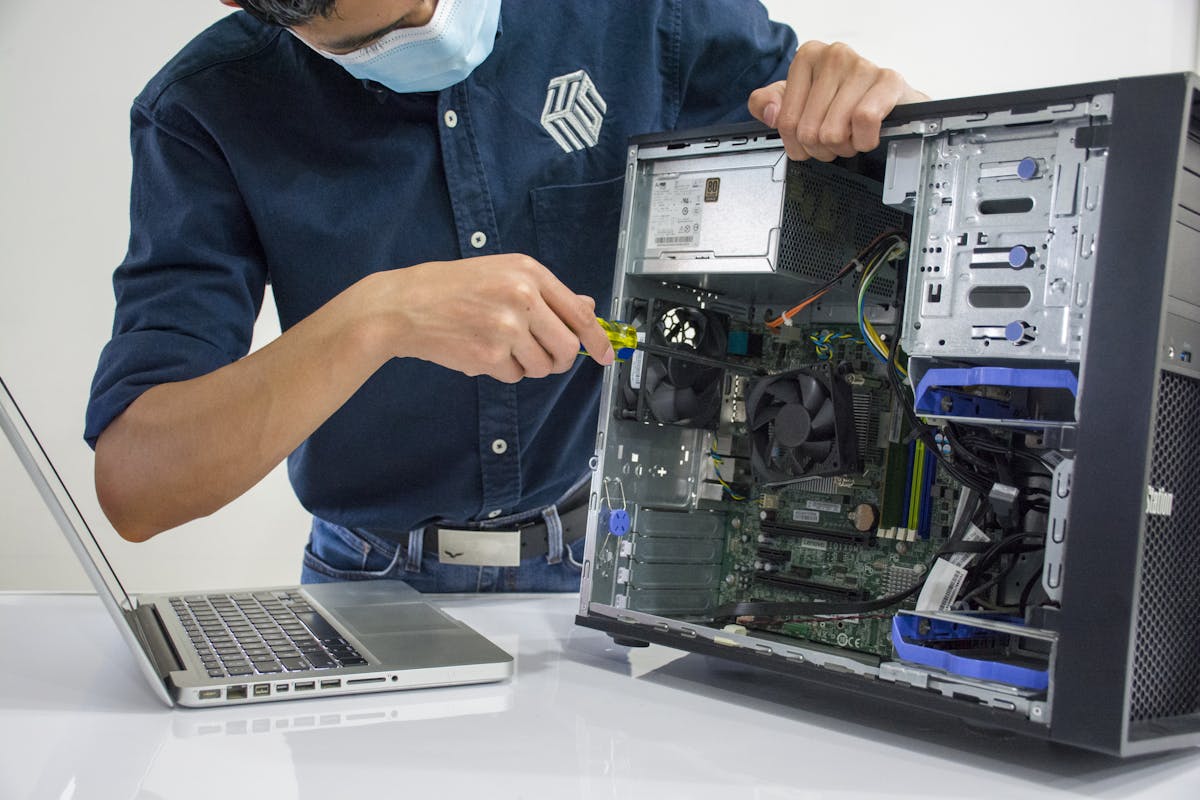

Desktop Support Engineer Training in Bangalore is a practical, job-oriented program designed to develop the technical skills required for Desktop Support Engineer, IT Support Engineer, Technical Support Engineer, Service Desk Analyst and IT Support Technician roles. The course covers computer hardware, Windows operating systems, networking, troubleshooting, Active Directory, Microsoft 365, user administration, software installation, printer support, remote desktop support, IT ticketing, incident management, SLA, security fundamentals and real-time IT support scenarios.
Our Desktop Support Engineer Training in Bangalore focuses on practical enterprise IT support skills rather than theory alone.
The course is designed around the day-to-day responsibilities of an enterprise desktop support professional.
Computer Hardware
Windows Operating System
Windows Troubleshooting
Networking Fundamentals
TCP/IP
DNS & DHCP
Active Directory
User & Group Management
Group Policy
Microsoft 365
Outlook & Email Troubleshooting
Printer Support
Remote Desktop Support
IT Help Desk
Ticketing Systems
Incident Management
Service Requests
SLA Management
IT Security
Backup & Recovery
Hardware & Software Troubleshooting
Real-Time Support Scenarios
Interview Preparation
Our program also targets the closely related IT Support Engineer Training in Bangalore keyword, covering the full spectrum of IT support responsibilities.
IT Support Technician → Desktop Support Engineer → IT Support Engineer → System Administrator → IT Infrastructure Engineer
Hardware Fundamentals → Windows Administration → Networking → Active Directory → Microsoft 365 → IT Ticketing → Interview Prep → Placement
Windows knowledge is a core component of desktop support. Learn installation, configuration, administration and troubleshooting.
Active Directory is highly relevant to enterprise desktop support. This is a major section of our training program.
Create and manage user accounts
Reset passwords and unlock accounts
Create groups and assign members
Join computers to a domain
Manage organizational units
Troubleshoot login issues
ipconfig
ping
tracert
nslookup
netstat
hostname
No power
No display
Slow computer
Overheating
RAM problems
Disk problems
USB problems
Keyboard problems
Mouse problems
Laptop charging problems
Display problems
Printer offline
Print queue stuck
Driver errors
Paper jams
Network printer unavailable
Print quality problems
Practice with common real-time issues that desktop support engineers face every day.
Troubleshoot: Power supply, RAM, storage, BIOS/UEFI and boot configuration.
Check: Username, password, account lockout, domain connectivity, Active Directory and network connection.
Check: Network adapter, IP address, DHCP, DNS, gateway, Wi-Fi, cable and router/switch connectivity.
Check: Printer status, driver, network, IP address, print spooler, queue and permissions.
Check: CPU, RAM, disk usage, startup applications, malware, storage capacity and Windows services.
Apply your skills to real-world scenarios that simulate actual enterprise IT support environments.
Configure and support: Windows computers, user accounts, network connectivity, printers, applications, Microsoft 365 and remote support.
Build a lab: Domain Controller → Users → Groups → Organizational Units → Client Computers. Perform user creation, password reset, account unlock, group assignment, domain joining and basic Group Policy.
Configure: IP addressing, DHCP, DNS, Wi-Fi, network printers, desktop computers and basic troubleshooting.
Simulate real support tickets: User Issue → Ticket → Categorization → Priority → Troubleshooting → Resolution → Documentation → Closure.
Simulate: Remote user connection, troubleshooting, software installation, Windows configuration, network troubleshooting, user communication and ticket documentation.
What is Desktop Support?
What is an IP address?
What is DNS?
What is DHCP?
What is Active Directory?
What is a Domain Controller?
What is Group Policy?
What is a workgroup?
What is a domain?
What is a default gateway?
How do you troubleshoot a computer with no internet?
How do you reset a domain user's password?
How do you unlock an Active Directory account?
How do you troubleshoot a slow computer?
How do you troubleshoot a printer?
How do you troubleshoot DNS?
How do you troubleshoot DHCP?
How do you join a computer to a domain?
How do you troubleshoot Windows login problems?
What is an SLA?
A VIP user cannot log in. What do you do?
A user's computer suddenly loses network connectivity. How do you troubleshoot?
A printer is showing offline. What steps do you follow?
A user cannot access a shared folder. What do you check?
Outlook is not sending emails. How do you troubleshoot?
A laptop is overheating. What do you investigate?
Hardware Technician → Desktop Support → IT Support Engineer → System Administrator → Network/System Engineer
Suitable for professionals moving from computer hardware, technical support, IT support, service desk, networking, system administration, field support and customer support roles.
Start with computer hardware and troubleshooting fundamentals.
Learn Windows administration, Active Directory and Microsoft 365.
Master networking, ticketing, incident management and SLA.
Progress to server administration and enterprise IT management.
Advance to network and system engineering roles.
Our training prepares you for industry-recognized IT support and infrastructure certifications.
Prepare for entry-level IT support and desktop support certifications aligned with industry standards.
Build the Windows administration and troubleshooting knowledge needed for Microsoft certification preparation.
Gain the foundational IT infrastructure skills required for enterprise support certification paths.
Note: Completing our course provides certification preparation. Official Microsoft and vendor certifications are earned through their respective certification processes.
Learn from certified IT support and system administration professionals.
Real desktops, servers and equipment for hands-on practice.
Master Windows installation, configuration and troubleshooting.
User management, domain joining, Group Policy and account administration.
GPO configuration, security policies, drive mapping and login scripts.
Outlook, Teams, OneDrive, SharePoint and Office 365 support.
TCP/IP, DNS, DHCP, LAN, Wi-Fi and network troubleshooting.
Diagnose and fix desktop, laptop and peripheral problems.
Installation, configuration, network printing and troubleshooting.
Remote troubleshooting, software installation and user assistance.
Ticket creation, categorization, prioritization, escalation and closure.
SLA, escalation, documentation and ITIL fundamentals.
5 hands-on projects simulating actual enterprise IT support.
Mock interviews, question bank and technical interview prep.
Professional resume building tailored for IT support roles.
Career counselling and job readiness preparation.
Direct placement drives with 240+ hiring partners.
Endpoint security, MFA, antivirus and patch management.
Combine your desktop support skills with hardware and networking training for broader career opportunities.
Master computer assembly, laptop repair, Windows installation, networking and hardware diagnostics.
Computer Hardware Training in Bangalore →Learn Cisco networking, routing, switching, VLANs, OSPF and network troubleshooting with hands-on labs.
Computer Networking Course →Advanced enterprise networking with BGP, multicast, route redistribution and network design.
IT Infrastructure Training →Our Desktop Support Engineer Training Institute in Bangalore is located in JP Nagar, South Bangalore. We provide fully equipped IT support labs with desktops, servers, printers and networking equipment for hands-on practical training. Classroom training is strongly recommended for desktop support courses, as real equipment practice with Active Directory, Windows Server and enterprise IT scenarios is essential.
We serve students from across Bangalore including:
AddressJP Nagar, Bangalore, Karnataka 560078
Phone+91 85537 64652
Emailinfo@ccnatraininginbangalore.com
HoursMon - Sat: 8:00 AM - 8:00 PM
Fees may vary based on course duration, training mode, practical lab access, trainer experience, projects, study material, interview preparation and career support.
Our graduates are working in top IT companies across Bangalore and India.
The comprehensive syllabus covers hardware, Windows, Active Directory, Group Policy, networking, Microsoft 365, Outlook, printer support, remote desktop, IT help desk, ticketing, incident management, security, backup, troubleshooting and real-time projects.
Motherboard, CPU, RAM, HDD, SSD, NVMe, power supply, monitor, keyboard, mouse, laptop hardware, laptop battery, laptop charger, cooling, hardware diagnostics and troubleshooting.
Windows installation, configuration, updates, user accounts, local users, administrator accounts, Device Manager, Task Manager, Event Viewer, Services, Disk Management and Computer Management.
System Restore, Safe Mode, Startup Repair, Windows Recovery, Blue Screen troubleshooting, driver troubleshooting and application troubleshooting.
LAN, WAN, Ethernet, Wi-Fi, router, switch, IP address, MAC address, subnet mask, default gateway, DNS, DHCP, TCP/IP, network adapter, network connectivity and network troubleshooting.
TCP/IP fundamentals, IP addressing, subnetting, DNS configuration, DHCP configuration, practical commands (ipconfig, ping, tracert, nslookup, netstat, hostname) and connectivity troubleshooting.
Active Directory fundamentals, domain, domain controller, users, groups, organizational units, computers, user creation, user deletion, password reset, account unlock, group membership, domain joining and computer account management.
User administration, group management, group membership, organizational units, computer accounts, account troubleshooting and enterprise user lifecycle management.
Group Policy fundamentals, GPO, computer configuration, user configuration, security policies, password policies, software deployment, desktop restrictions, drive mapping, login scripts, policy inheritance and Group Policy troubleshooting.
Microsoft 365 fundamentals, Outlook, Teams, OneDrive, SharePoint fundamentals, user accounts, password reset, MFA, email troubleshooting, Outlook configuration, Teams troubleshooting and OneDrive troubleshooting.
Outlook installation, configuration, email account setup, mailbox issues, sending and receiving problems, Outlook profile, OST/PST fundamentals, password issues, authentication and email connectivity.
Printer installation, drivers, USB printers, network printers, printer sharing, print spooler, configuration, IP-based printing, troubleshooting, scanner support, printer offline, print queue stuck, driver errors and paper jams.
Remote support fundamentals, Windows Remote Desktop, remote troubleshooting, remote user assistance, remote system diagnostics, remote software installation, remote configuration and security considerations.
IT help desk fundamentals, service desk, end-user support, incident management, service requests, problem management, change management fundamentals, ticket management, escalation, documentation, knowledge base and SLA.
Ticket creation, categorization, prioritization, assignment, updates, escalation, incident resolution, ticket closure, SLA tracking, documentation and knowledge base management.
Incident management, service requests, SLA management, escalation procedures, problem management, change management and ITIL fundamentals.
Endpoint security, malware, viruses, ransomware, phishing, password security, MFA, antivirus, Windows Firewall, secure authentication, device security, data protection, security updates and backup.
Backup fundamentals, file backup, system backup, external backup, cloud backup, Windows Recovery, System Restore, recovery options, data recovery fundamentals and disaster recovery basics.
No power, no display, slow computer, overheating, RAM problems, disk problems, USB problems, keyboard problems, mouse problems, laptop charging problems, display problems, driver errors and application troubleshooting.
Computer does not boot, user cannot log in, no internet, printer not working, computer running slowly, shared folder access issues, Outlook email problems and laptop overheating.
Enterprise desktop support project, Active Directory environment project, office network support project, IT help desk simulation project and remote support project.
Beginner, intermediate and scenario-based interview questions, mock interviews, resume building, career counselling and placement preparation with hiring partners.
Desktop Support Engineer Training is a practical, job-oriented program covering Windows administration, Active Directory, Microsoft 365, networking, troubleshooting, IT ticketing, incident management and enterprise IT support skills.
Yes. Freshers from BCA, MCA, BSc, B.Tech, Diploma and Polytechnic backgrounds can join. The course starts with fundamentals and progresses to enterprise IT support.
You can apply for Desktop Support Engineer, IT Support Engineer, Technical Support Engineer, Service Desk Analyst, Help Desk Technician, System Support Engineer and IT Operations Support Engineer roles.
Yes. The course covers Active Directory fundamentals, user and group management, Group Policy Objects, domain joining, password resets, account unlock and computer account management.
Yes. The course includes labs for Windows administration, Active Directory, Group Policy, Microsoft 365, printer support, remote desktop, networking and help desk ticketing scenarios.
Freshers typically earn ₹2.5-4.5 LPA. With 1-3 years experience, ₹4.5-7 LPA. With networking and cloud skills, ₹7-12+ LPA.
Yes. We provide resume building, mock interviews, technical preparation and direct placement drives with 240+ hiring partners.
The course is 3 months with 23 modules covering hardware, Windows, Active Directory, Group Policy, networking, Microsoft 365, IT help desk, ticketing, security and real-time projects.
Experience our teaching methodology, meet our trainers and tour the IT support lab — completely free.
Visit UsJP Nagar, Bangalore, Karnataka 560078
Call Us+91 85537 64652
Email Usinfo@ccnatraininginbangalore.com
Office HoursMon - Sat: 8:00 AM - 8:00 PM