Select
Choose ComponentsSelect compatible CPU, motherboard, RAM, storage and PSU.
Master computer assembly, laptop repair, Windows installation, networking fundamentals, printer support, hardware diagnostics, troubleshooting and desktop support through hands-on practical training. The most comprehensive Computer Hardware and Networking Training in Bangalore.
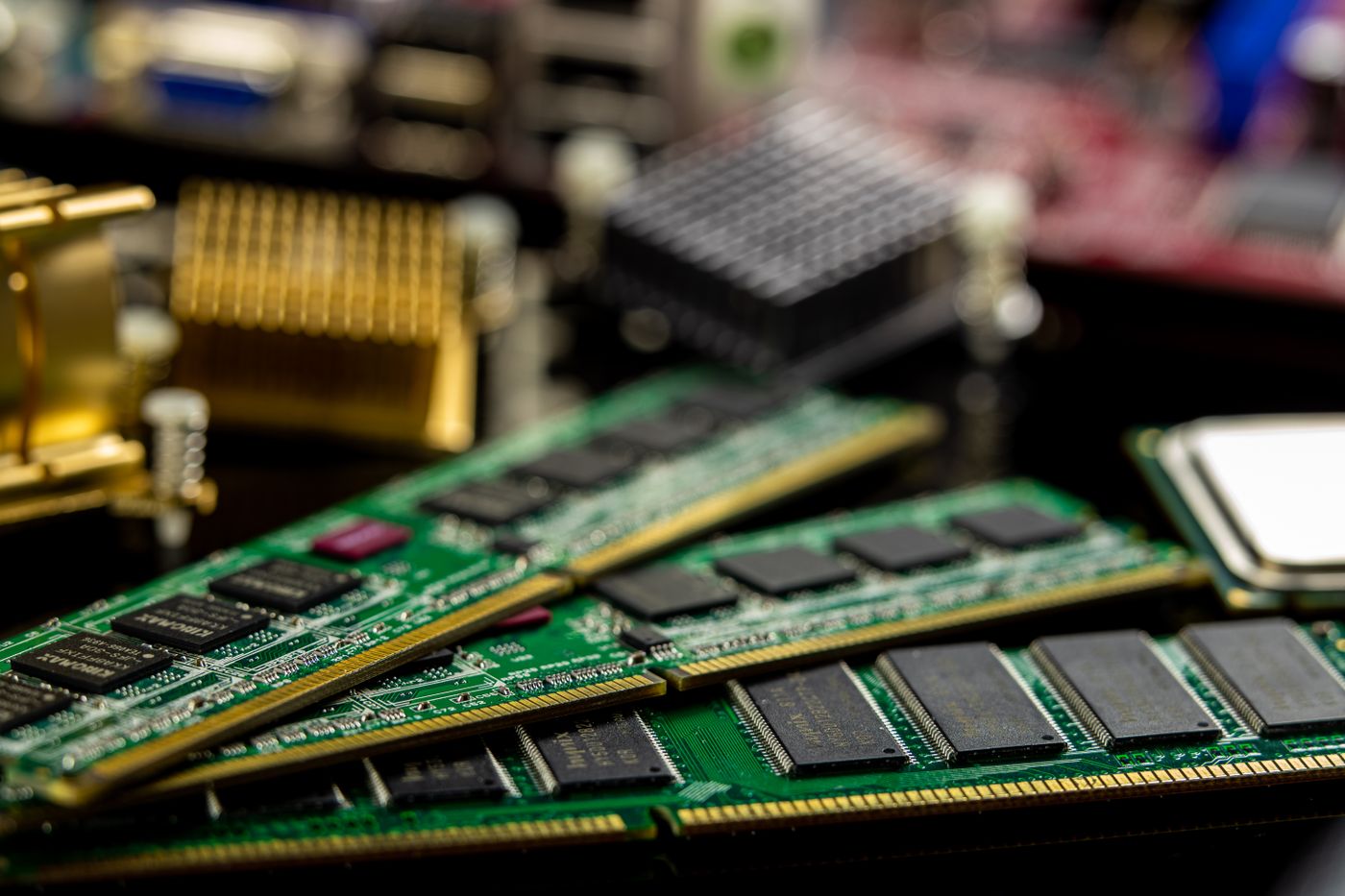
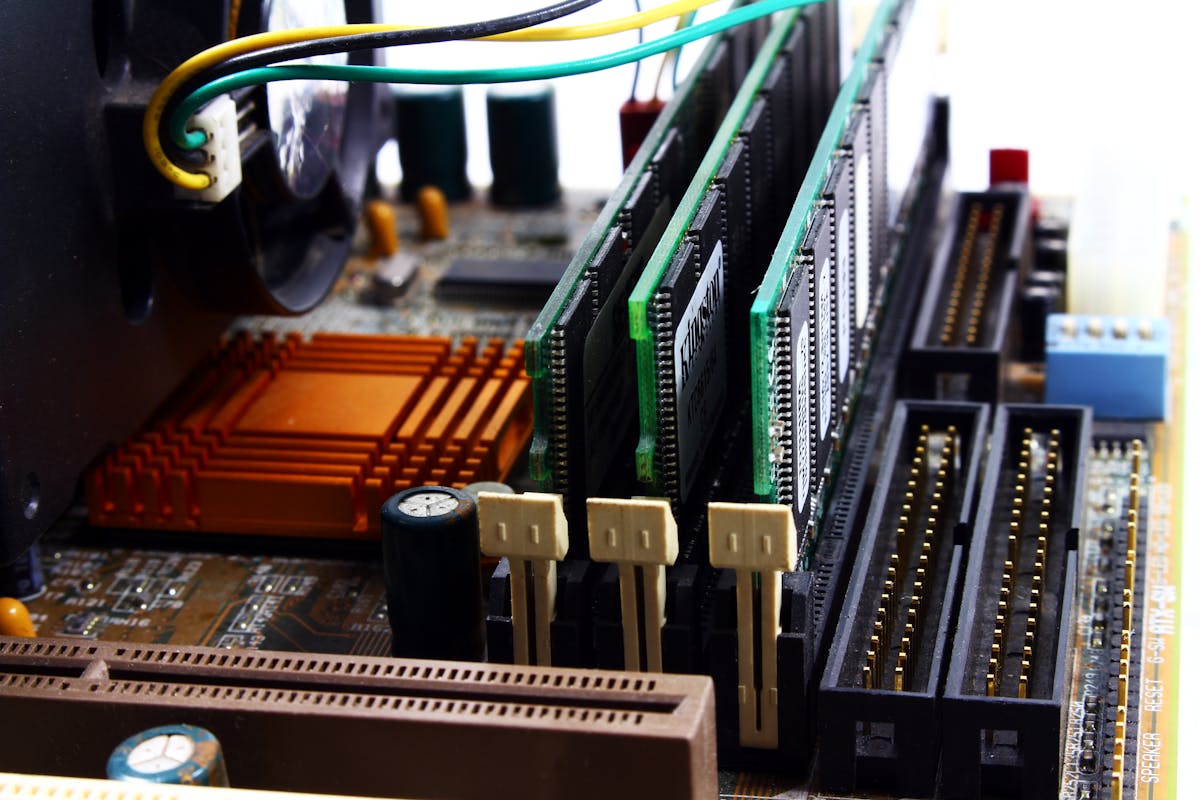
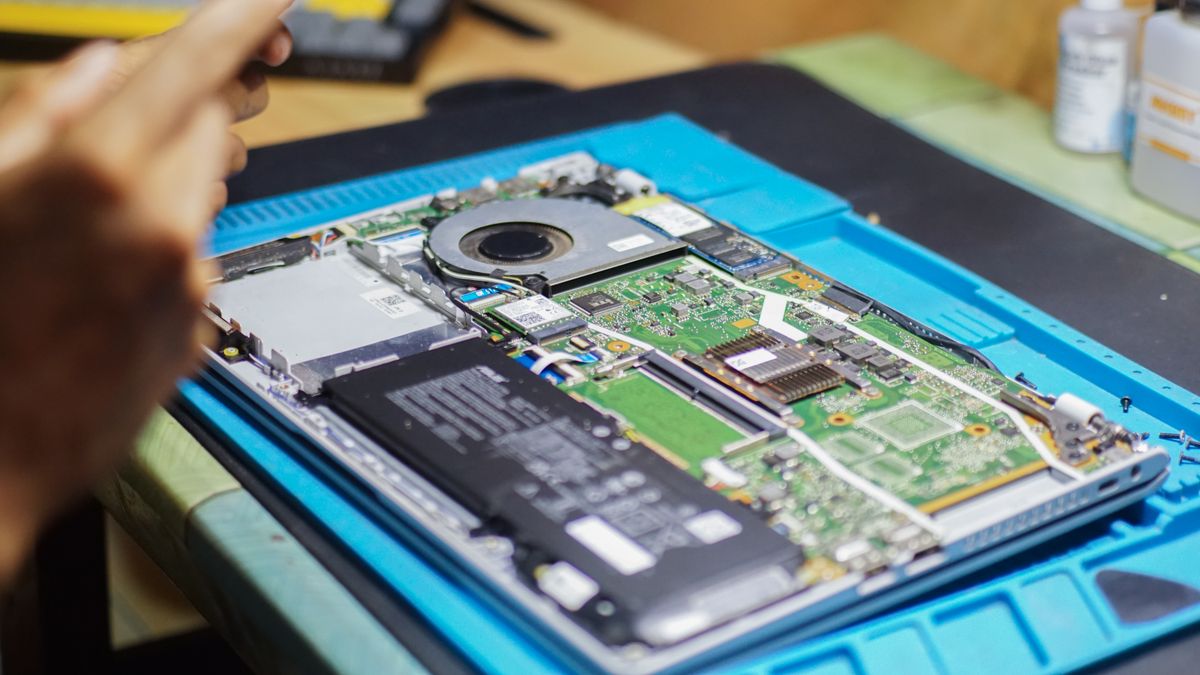
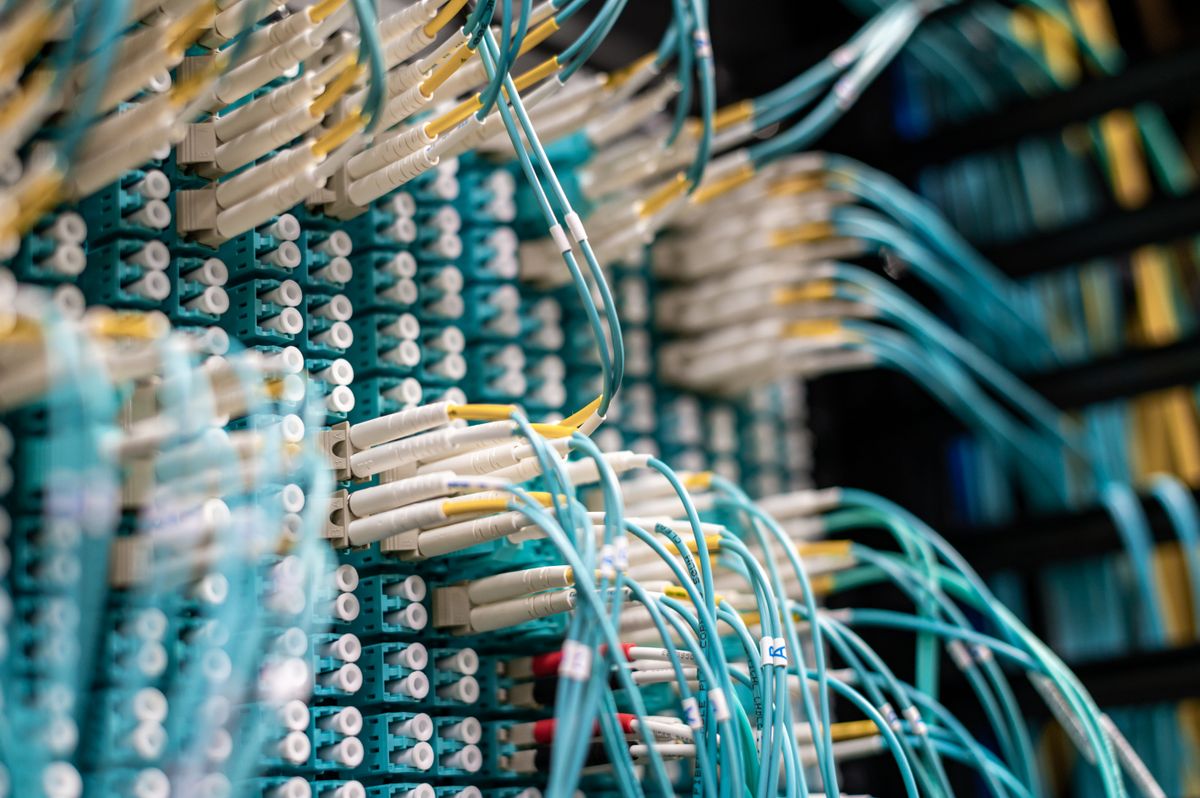
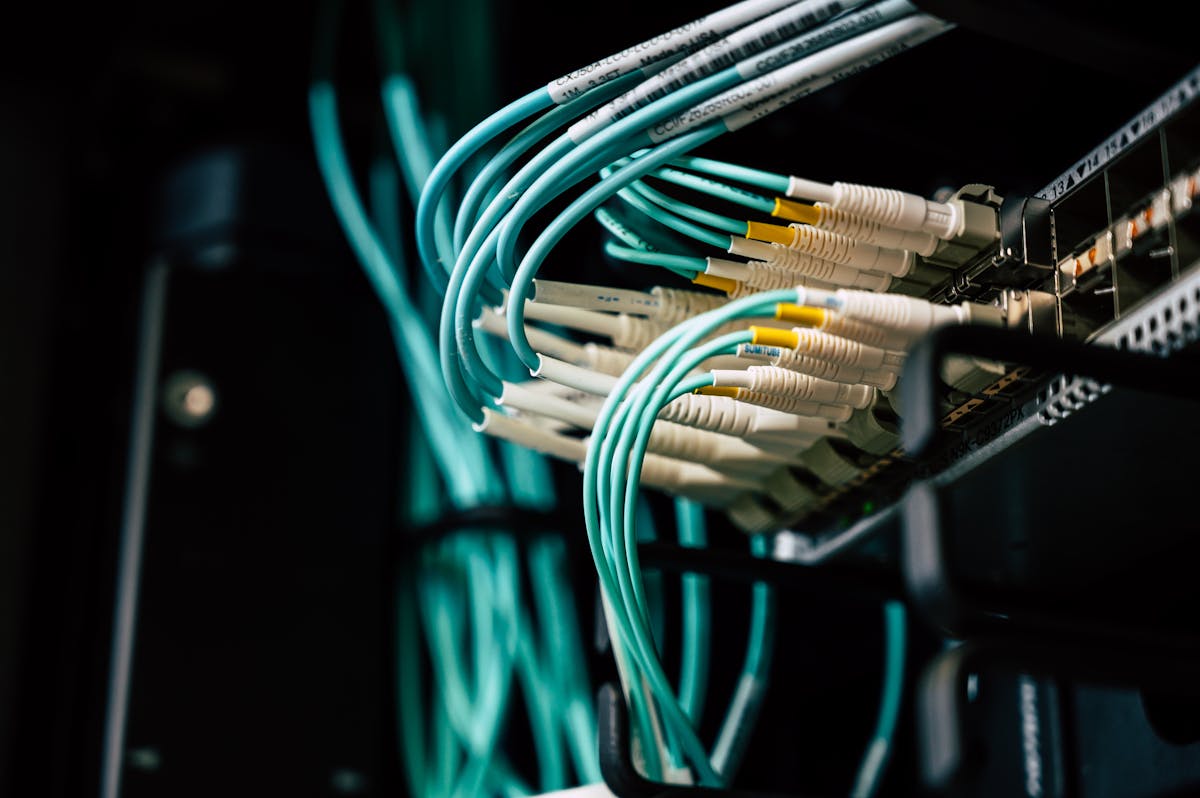
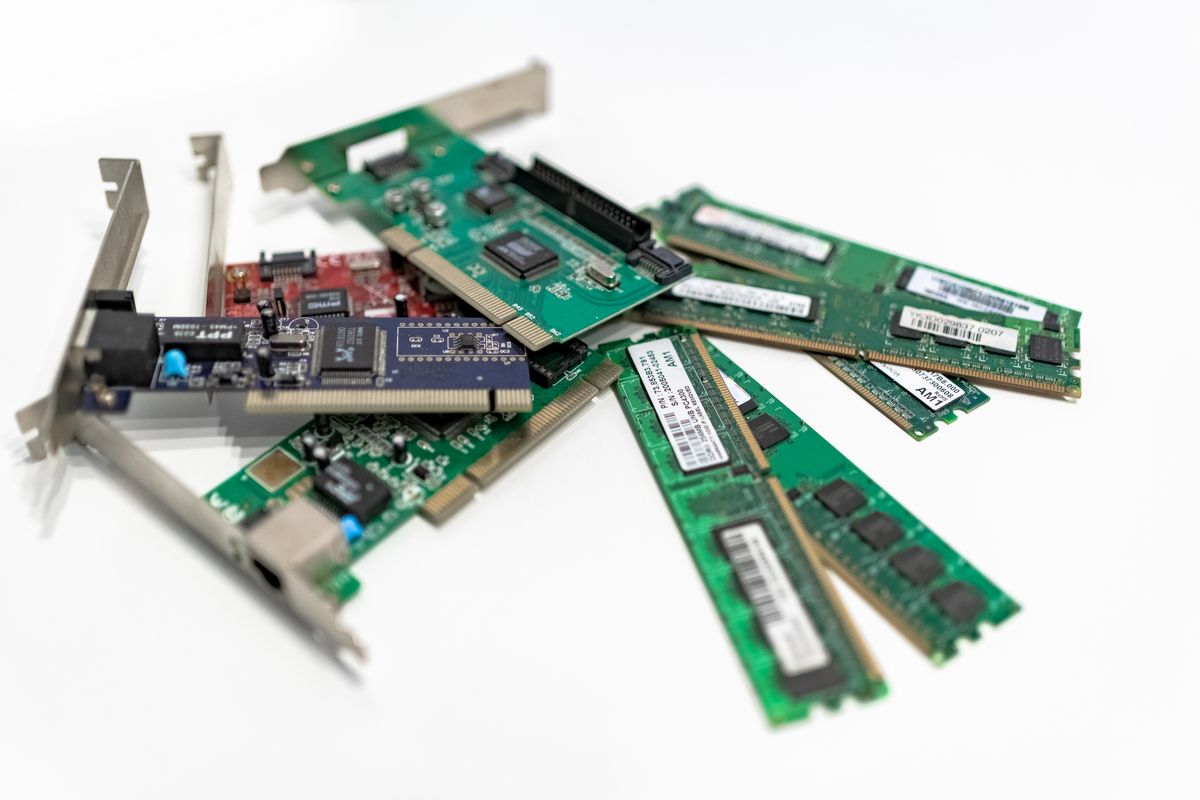
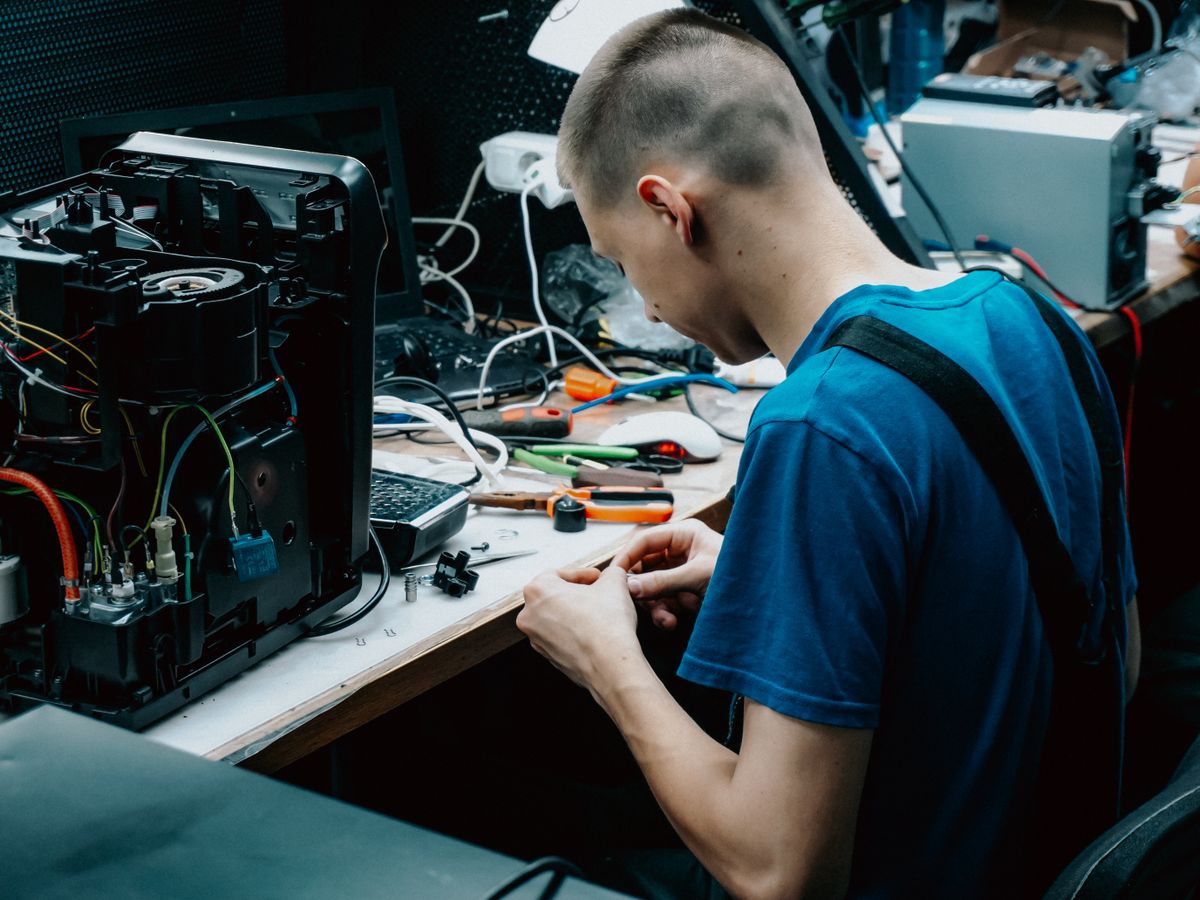
Computer Hardware Training in Bangalore is a practical, job-oriented course designed for students, freshers and working professionals who want to build careers in computer hardware, desktop support, IT support, hardware and networking and technical support. The course covers computer assembly, motherboard, CPU, RAM, HDD, SSD, NVMe, BIOS/UEFI, laptop hardware, Windows installation, drivers, networking fundamentals, printers, peripherals, hardware diagnostics, troubleshooting, preventive maintenance and desktop support through hands-on practical training.
Our training focuses on practical skills required to install, configure, maintain and troubleshoot desktop computers, laptops and IT peripherals.
Hands-on knowledge of computer components, operating systems, peripherals and troubleshooting.
Computer Fundamentals
Computer Architecture
Motherboard
CPU & Processor
RAM & Memory
HDD & SSD
BIOS/UEFI
Power Supply
Computer Assembly
Laptop Hardware
Windows Installation
Windows Troubleshooting
Device Drivers
Networking Fundamentals
Printer Support
Hardware Diagnostics
Preventive Maintenance
Computer Security
Desktop Support
IT Help Desk
Remote Support
Active Directory Fundamentals
Microsoft 365 Fundamentals
Real-Time Projects
Learn the networking essentials that every hardware and desktop support engineer needs.
Practical scenarios that simulate real desktop support and IT support environments.
Desktop support fundamentals
IT support & technical support
Help desk & service desk
Incident management
Service requests & ticket management
Ticket prioritization & SLA
Escalation procedures
Remote support & user support
Documentation & knowledge base
Desktop not powering on
No display
Windows boot failure
Slow computer
Network connectivity problem
Printer problem
Driver problem
User login problem
Software installation issue
Hardware failure
Students learn to select compatible components and assemble a complete working system.
Select compatible CPU, motherboard, RAM, storage and PSU.
Install CPU, cooler, RAM, motherboard, storage and graphics card.
Connect power cables and front-panel connectors.
Configure BIOS settings and perform POST verification.
Install Windows, drivers and test the completed system.
Laptop disassembly & assembly
RAM replacement
SSD & HDD replacement
Fan cleaning
Thermal paste replacement
Battery replacement
Keyboard replacement
Display troubleshooting
Wi-Fi troubleshooting
Identify → Analyze → Diagnose → Isolate → Repair → Test → Document
POST diagnostics
BIOS diagnostics
RAM testing
HDD diagnostics
SSD health & SMART
CPU & temperature monitoring
Device Manager & Event Viewer
Hardware monitoring
Power supply testing
Cable testing
Inkjet & laser printers
Multifunction printers
USB & network printers
Printer drivers & installation
Printer sharing & spooler
Network printing configuration
Printer offline troubleshooting
Print queue problems
Paper jams & print quality issues
Help desk, service desk, incident management, service requests, ticketing, SLA management, escalation, remote troubleshooting, user support, documentation and problem management.
Active Directory overview, domain, domain controller, users, groups, organizational units, computers, Group Policy fundamentals, domain joining, password reset, account unlock and user administration.
Microsoft 365 overview, Outlook, Teams, OneDrive, SharePoint fundamentals, user accounts, password reset, MFA, email troubleshooting and basic Microsoft 365 support.
Practice on real hardware — assemble, disassemble, install, diagnose and troubleshoot.
Desktop assembly & disassembly
RAM installation
HDD, SSD & NVMe installation
CPU installation & thermal paste replacement
BIOS configuration
Windows installation & driver installation
Printer installation
Ethernet cable crimping
Network troubleshooting
Laptop disassembly & component replacement
Hardware diagnostics
Remote desktop support
10th pass, 12th pass, ITI, Diploma, Polytechnic, BCA, BSc, B.Tech graduates and career changers. Start with hardware fundamentals and progress to desktop and IT support skills.
IT support, desktop support, technical support, hardware support, field support, service desk, networking and system administration professionals seeking upskilling.
Live instructor-led classes, recorded sessions, study materials, practical demonstrations, troubleshooting scenarios and interview preparation. Classroom lab training is strongly emphasized for hardware courses.
Our Computer Hardware Training Centre in Bangalore is located in JP Nagar, one of the most accessible areas in South Bangalore. We provide fully equipped hardware labs with desktops, laptops, printers and networking equipment for hands-on practical training. Classroom training is strongly recommended for hardware courses, as physical equipment practice is essential.
We serve students from across Bangalore including:
AddressJP Nagar, Bangalore, Karnataka 560078
Phone+91 85537 64652
Emailinfo@ccnatraininginbangalore.com
HoursMon - Sat: 8:00 AM - 8:00 PM
Apply your skills to real-world scenarios that simulate actual IT support environments.
Select components → Assemble system → BIOS configuration → Windows installation → Drivers → Testing
Laptop diagnosis → Disassembly → Component inspection → Cleaning → Replacement → Reassembly → Testing
Boot failure → Diagnosis → Recovery → Repair → Driver installation → System testing
Network failure → IP configuration → Adapter diagnosis → DNS/DHCP testing → Connectivity restoration
Printer installation → Driver configuration → Network configuration → Print testing → Troubleshooting
Learn from certified hardware and networking professionals.
Real desktops, laptops and components for hands-on practice.
Build and configure PCs from individual components.
Disassembly, component replacement and repair skills.
Installation, recovery, drivers and blue screen fixes.
LAN, Wi-Fi, cable crimping and network troubleshooting.
Installation, configuration and print queue management.
POST, SMART, RAM testing and temperature monitoring.
Practice with actual IT support troubleshooting cases.
Ticketing, SLA, remote support and user management.
Resume guidance, mock interviews and career counselling.
Direct placement drives with 240+ hiring partners.
Combine your hardware skills with networking, desktop support and security training for broader career opportunities.
Master Windows administration, Active Directory, ticketing, ITIL and enterprise desktop support skills.
Desktop Support Engineer Training →Learn Cisco networking, routing, switching, VLANs, OSPF and network troubleshooting with hands-on labs.
Hardware and Networking Training →Advanced enterprise networking with BGP, multicast, route redistribution and network design.
IT Support Training →Fees may vary based on course duration, practical lab access, training mode, hardware components, projects, study material, interview preparation and career support.
Our graduates are working in top IT companies across Bangalore and India.
The comprehensive syllabus covers hardware, assembly, laptop repair, Windows, networking, printers, diagnostics, desktop support, Active Directory, Microsoft 365 and real-time projects.
Introduction to IT infrastructure, industry overview, desktop support roles, enterprise IT environment, hardware, software, operating systems, BIOS, UEFI and storage technologies.
Motherboard, CPU, RAM, HDD, SSD, NVMe, power supply, graphics cards, cooling systems, BIOS settings, PC assembly and hardware troubleshooting.
Component selection, CPU installation, cooler installation, RAM installation, motherboard mounting, storage installation, PSU installation, graphics card, power cables, front-panel cables, BIOS configuration, POST and system testing.
Laptop architecture, laptop motherboard, RAM, SSD, HDD, battery, charger, display, keyboard, touchpad, Wi-Fi card, cooling system, disassembly, assembly and component replacement.
Windows installation, bootable USB, BIOS/UEFI, GPT, MBR, partitioning, drivers, Windows Update, Device Manager, Safe Mode, System Restore, Recovery, Startup Repair and blue screen troubleshooting.
LAN, WAN, Internet, Ethernet, Wi-Fi, router, switch, modem, access point, IP address, MAC address, DNS, DHCP, default gateway, subnet basics, network adapters, cable crimping and network troubleshooting.
Inkjet, laser and multifunction printers, USB and network printers, drivers, installation, sharing, print spooler, network printing, printer offline, print queue problems, paper jams and print quality issues.
POST diagnostics, BIOS diagnostics, RAM testing, HDD diagnostics, SSD health, SMART, CPU monitoring, temperature monitoring, power supply testing, cable testing and troubleshooting methodology.
Desktop support fundamentals, help desk, service desk, incident management, service requests, ticketing, SLA, escalation, remote support, documentation, knowledge base and ITIL fundamentals.
Active Directory overview, domain, users, groups, Group Policy, domain joining, password reset, Microsoft 365, Outlook, Teams, OneDrive, SharePoint, MFA, endpoint security and patch management.
Desktop assembly project, laptop maintenance project, Windows troubleshooting project, network troubleshooting project, printer support project, resume building, mock interviews and placement preparation.
Computer Hardware Training teaches students how to identify, assemble, install, configure, maintain and troubleshoot computer hardware, laptops, peripherals and related systems.
The course covers computer assembly, motherboard, CPU, RAM, HDD, SSD, BIOS/UEFI, laptop hardware, Windows installation, drivers, networking, printers, diagnostics and troubleshooting.
Yes. Beginners, students and freshers can start with computer hardware fundamentals and progress toward desktop and IT support skills.
Yes. The program includes hands-on desktop assembly, disassembly, component replacement, Windows installation, diagnostics and troubleshooting.
Hardware training focuses on physical computer components and troubleshooting, while Desktop Support additionally covers operating systems, applications, networking, user support, ticketing and enterprise IT support processes.
Computer hardware knowledge provides an important foundation. For a Desktop Support Engineer role, candidates should additionally learn Windows administration, networking, troubleshooting, ticketing, Active Directory and basic enterprise IT support.
Possible roles include Computer Hardware Technician, Hardware Support Technician, Desktop Support Technician, IT Support Technician, Field Support Engineer and Technical Support Engineer.
Basic computer knowledge is sufficient for a beginner-level course.
Experience our teaching methodology, meet our trainers and tour the hardware lab — completely free.
Visit UsJP Nagar, Bangalore, Karnataka 560078
Call Us+91 85537 64652
Email Usinfo@ccnatraininginbangalore.com
Office HoursMon - Sat: 8:00 AM - 8:00 PM