OSI Reference Model
Seven layers: Physical, Data Link, Network, Transport, Session, Presentation, Application. Functions of each layer, protocols, encapsulation, decapsulation, PDU and troubleshooting using OSI layers.
Master Cisco networking, routing, switching, IP addressing, VLANs, OSPF, NAT, ACL, wireless networking, network security, automation and troubleshooting through hands-on labs with Cisco IOS, Packet Tracer and real equipment. The most comprehensive CCNA Training in Bangalore with placement support.
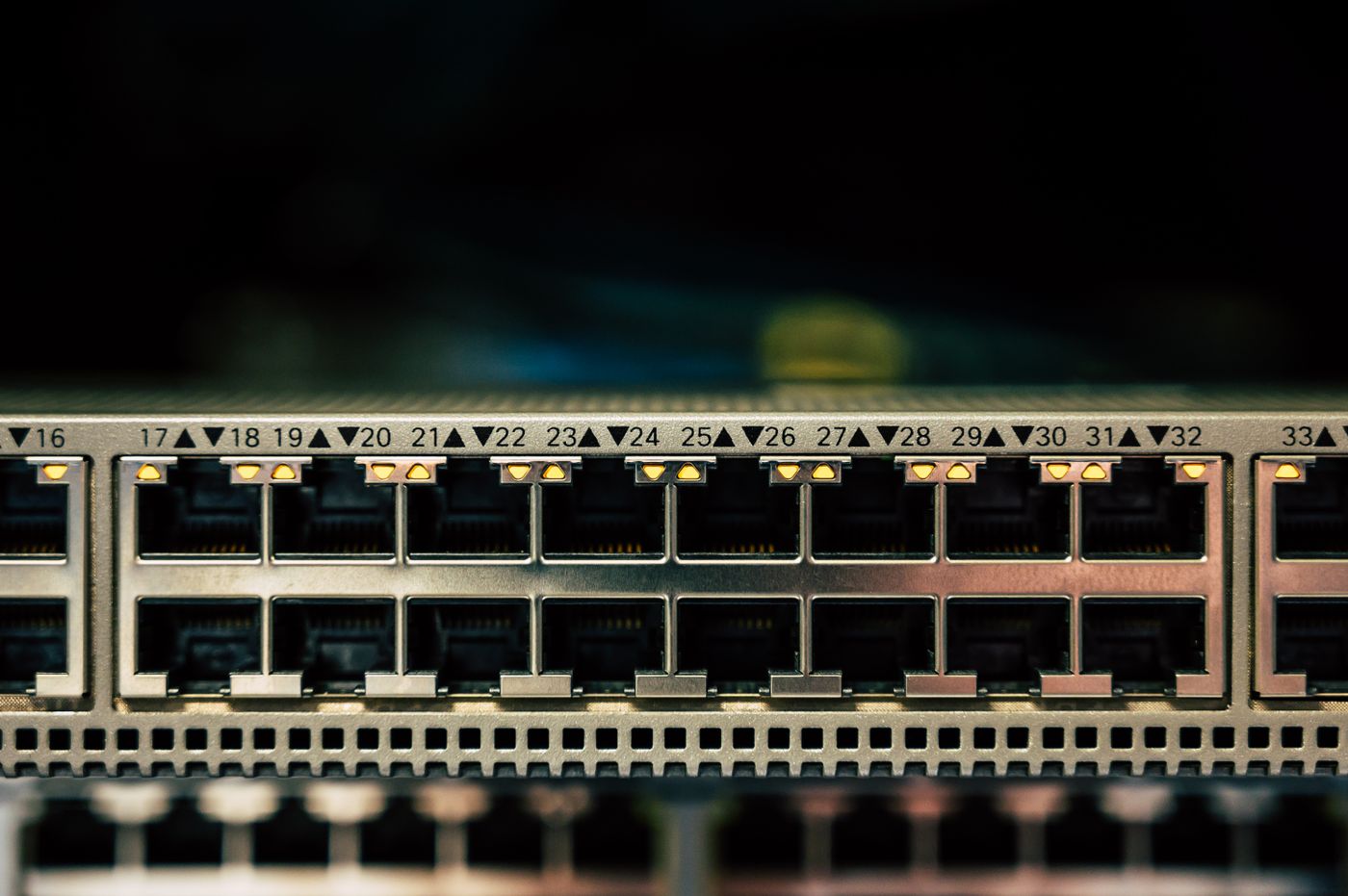
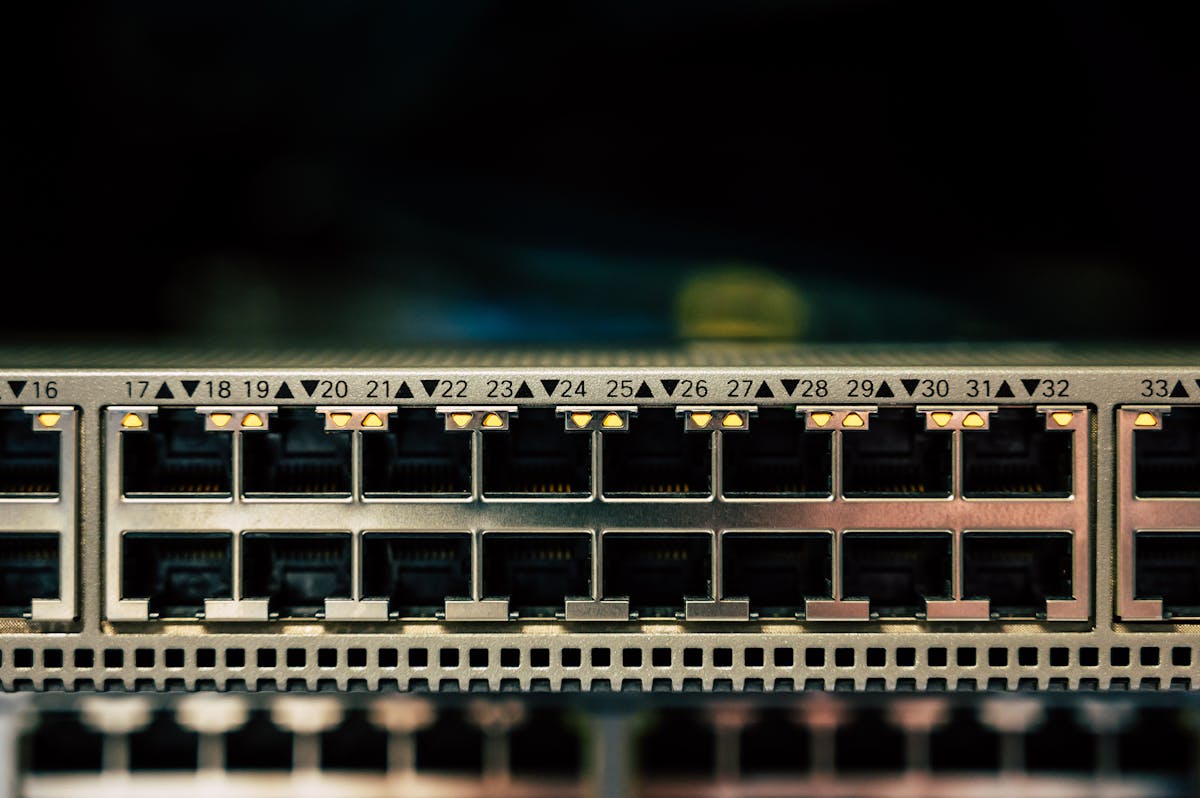
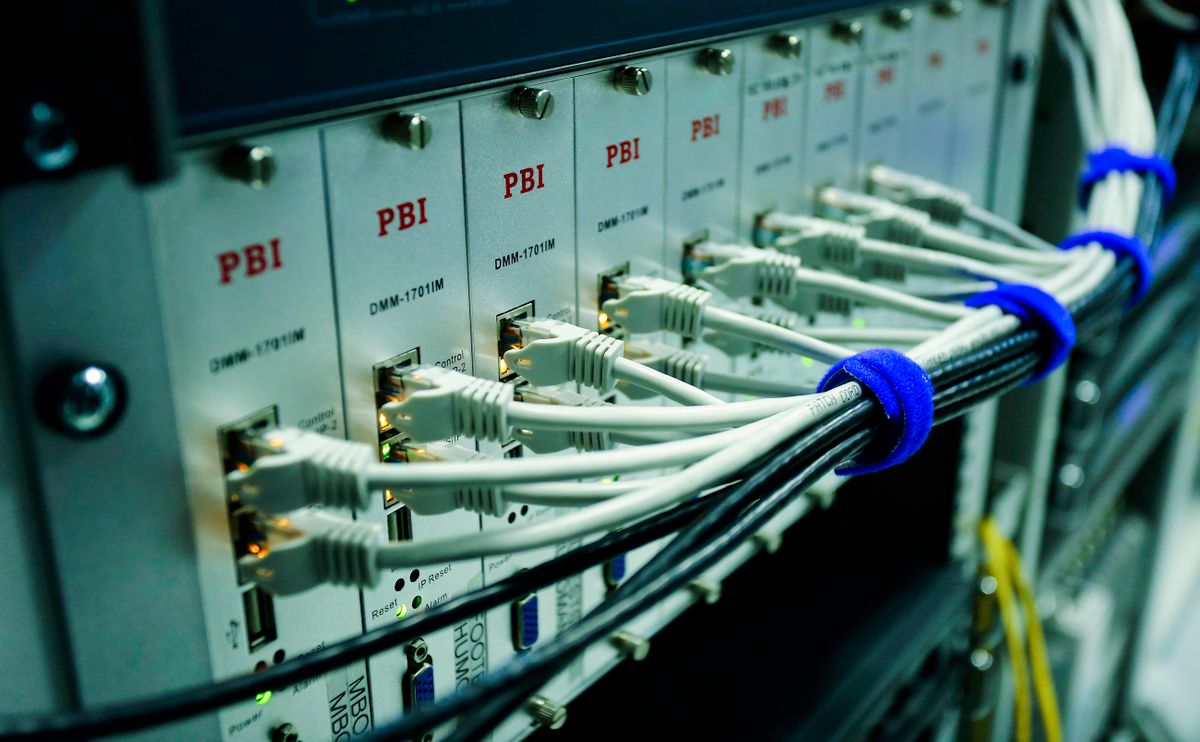
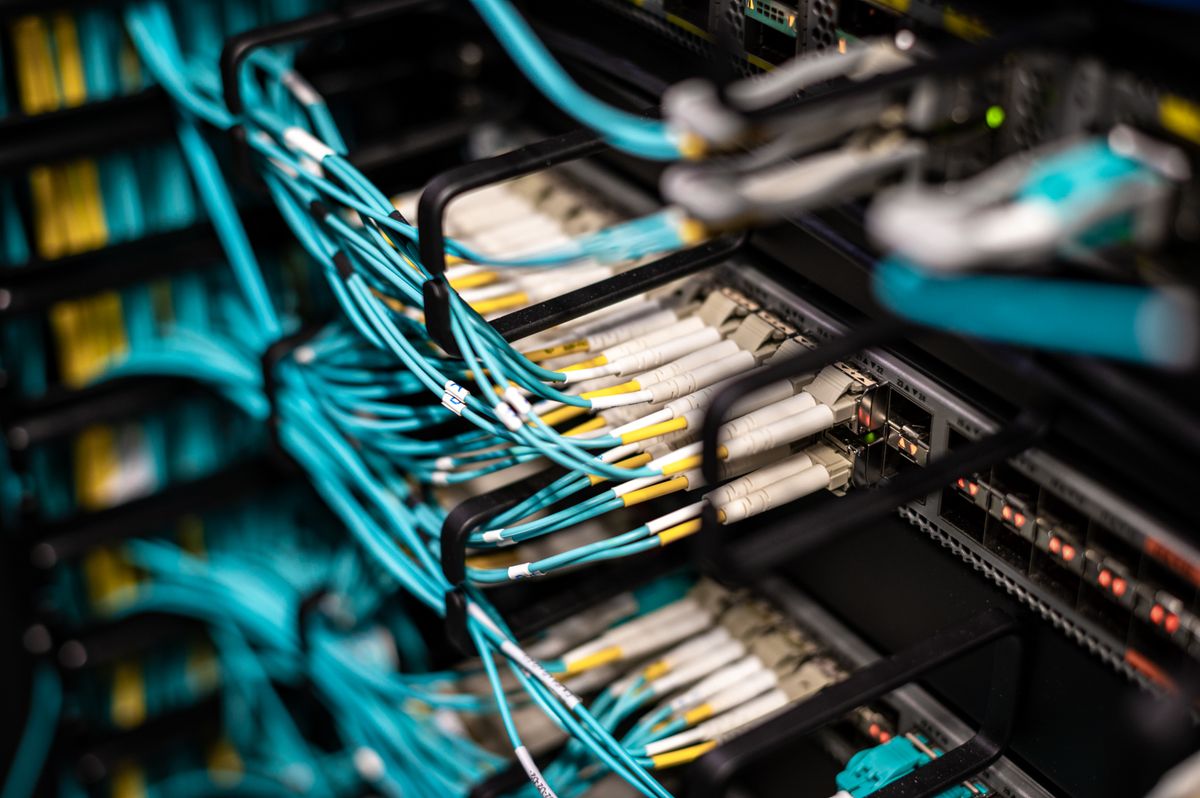
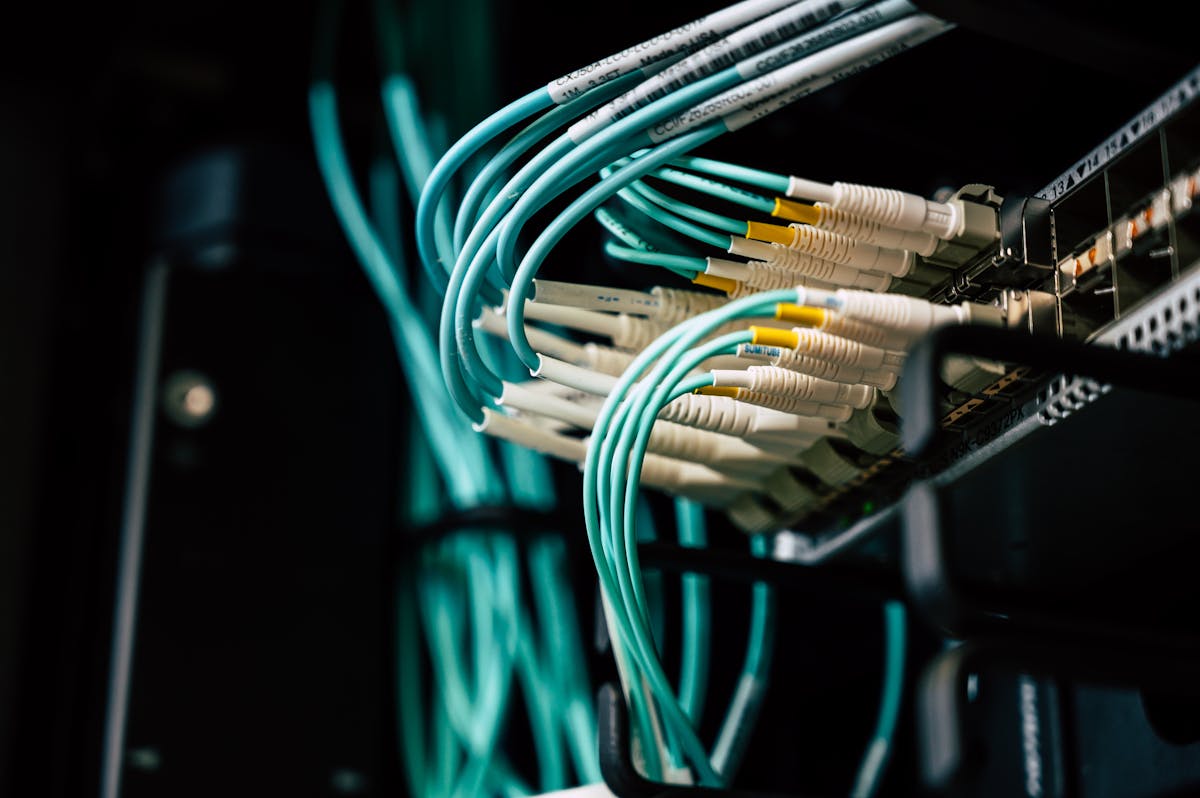
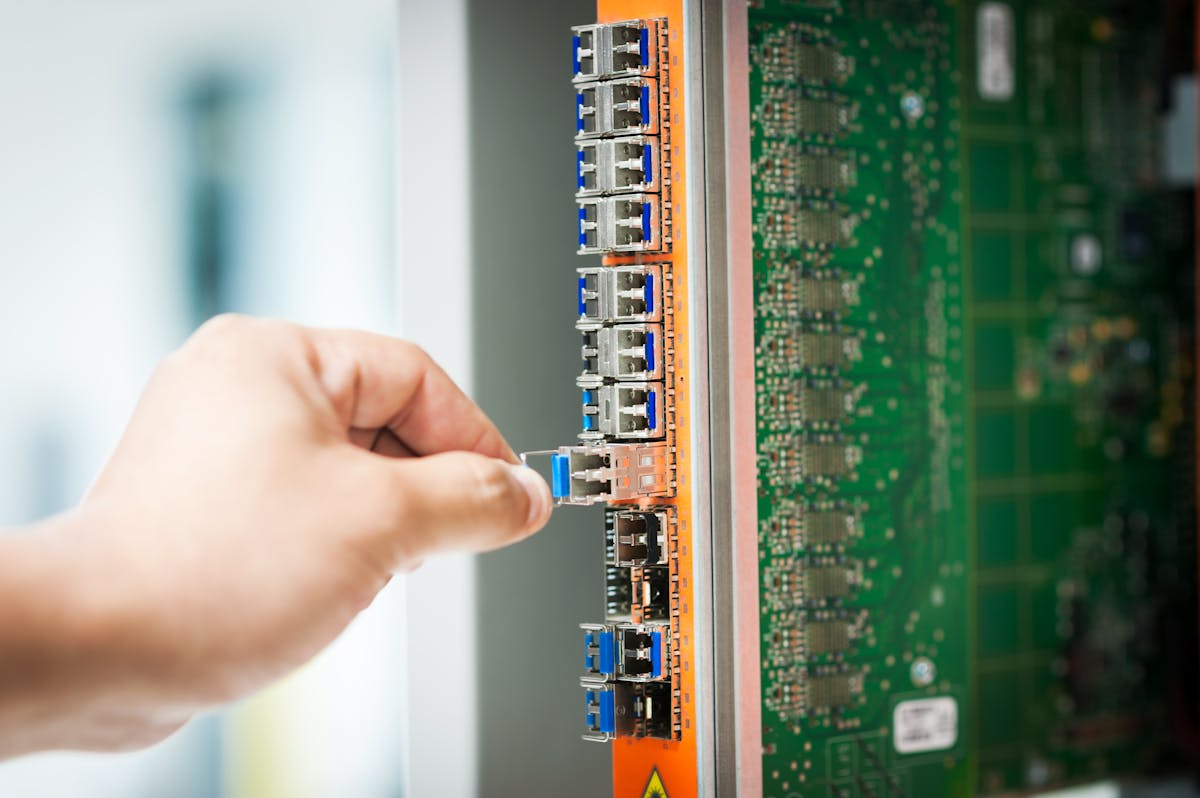
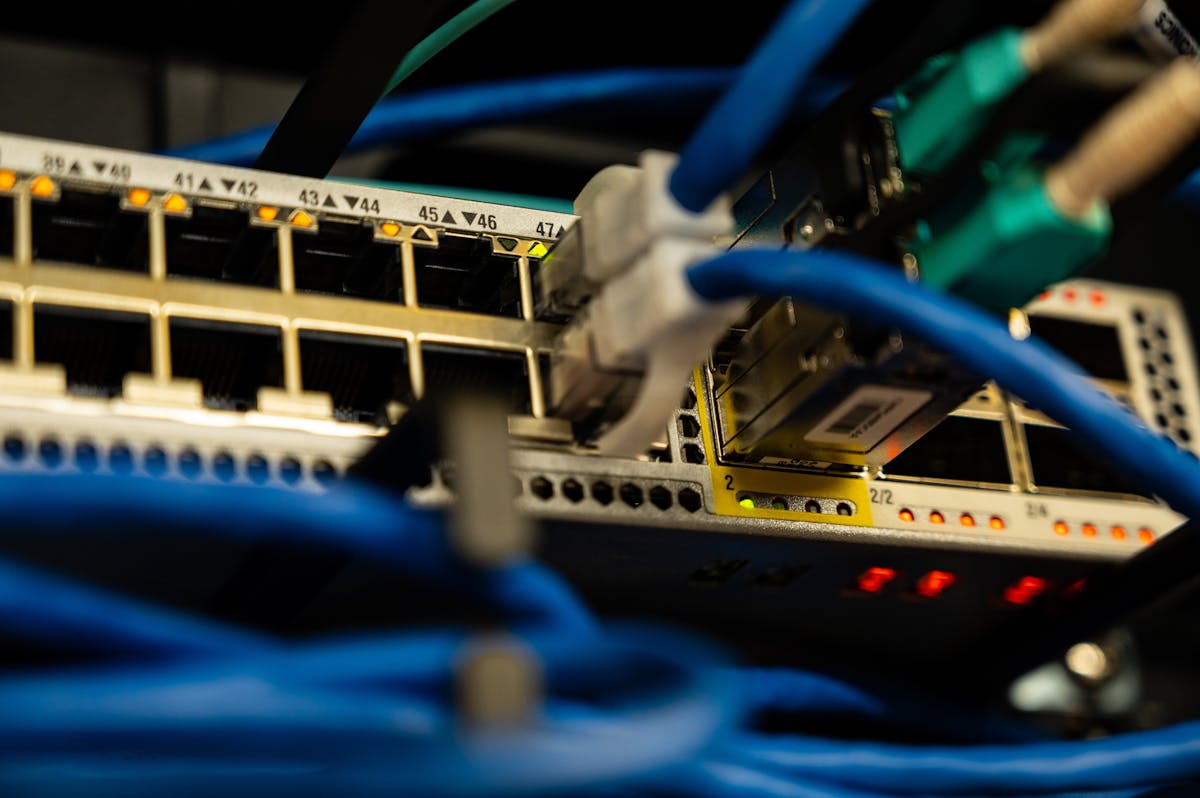
CCNA (Cisco Certified Network Associate) training is designed to build practical knowledge of computer networking, Cisco networking technologies, IP addressing, routing, switching, wireless networking, network security fundamentals, automation and troubleshooting. Our program aligns with the current Cisco CCNA 200-301 exam objectives and combines networking theory with hands-on labs using Cisco IOS, Packet Tracer and physical networking equipment.
Note: Completing our course provides CCNA exam preparation. The official Cisco CCNA certification is earned through Cisco's certification process.
Identify network devices
Build a basic LAN
Connect PCs to a switch
Test connectivity
Seven layers: Physical, Data Link, Network, Transport, Session, Presentation, Application. Functions of each layer, protocols, encapsulation, decapsulation, PDU and troubleshooting using OSI layers.
Network Access, Internet, Transport and Application layers. TCP, UDP, IP, ICMP, ARP, DNS, DHCP, HTTP/HTTPS, FTP, SSH. OSI vs TCP/IP comparison and protocol mapping.
IEEE 802.3, Ethernet frames, MAC addresses, unicast, multicast, broadcast, full/half duplex, collision domains, broadcast domains and Ethernet standards.
User EXEC mode
Privileged EXEC mode
Global configuration mode
Interface configuration mode
CLI navigation & help commands
Configuration files & backups
enable, configure terminal, hostname
interface, ip address, no shutdown
show running-config, show ip interface brief
copy running-config startup-config
Configure a Cisco router from scratch
Establish connectivity between two networks
Configure router hostname & passwords
Console, VTY & SSH configuration
Interface configuration & IP addressing
Configuration backup & restoration
Configure multiple Cisco switches
Verify Layer 2 connectivity
Port configuration & descriptions
MAC address table management
IPv4 structure, network/host portions, subnet masks, public/private IPs, loopback, APIPA, network/broadcast addresses. Private ranges: 10.0.0.0/8, 172.16.0.0/12, 192.168.0.0/16.
Binary-to-decimal conversion, IP calculation, subnet mask calculation, CIDR, prefix length, VLSM fundamentals. Calculate /24 through /30 and beyond.
128-bit addressing, global unicast, link-local, unique local, multicast, anycast. IPv6 notation, compression, expansion, static IPv6, SLAAC and DHCPv6 fundamentals.
VLAN fundamentals, creation & assignment
Access ports, default VLAN, native VLAN, voice VLAN
VLAN trunking with 802.1Q
Inter-VLAN routing (router-on-a-stick, Layer 3 switching, SVI)
Spanning Tree Protocol (STP, RSTP, PortFast, BPDU Guard)
EtherChannel & link aggregation (LACP, PAgP)
Switch port security (static, dynamic, sticky MAC)
VLAN and trunk troubleshooting
Routing table, connected routes, static routes, dynamic routing, next-hop, exit interface, administrative distance, metric, route selection and default routes.
Next-hop routing, exit-interface routing, default static route, floating static route, IPv4 and IPv6 static routing. Configure static routes between multiple routers.
Link-state routing, OSPF neighbors, router ID, areas, single-area OSPF, network statements, passive interfaces, cost, DR/BDR fundamentals. Configure OSPF across multiple routers and verify neighbor relationships.
CIA triad & AAA
Password security & device hardening
SSH & secure management
Port security (violation modes)
DHCP snooping fundamentals
Dynamic ARP Inspection
BPDU Guard
Standard & extended ACL
Wildcard masks & ACL placement
IPv4 & IPv6 ACL
WLAN & access points
Wireless LAN Controllers
SSID, 2.4 GHz & 5 GHz
Wireless channels & roaming
WPA2, WPA3 & guest networks
WAN technologies & leased lines
VPN (remote-access & site-to-site)
SD-WAN fundamentals
Branch connectivity
QoS (bandwidth, delay, jitter)
Identify the problem
Gather information
Analyze symptoms
Identify possible causes
Test the hypothesis
Implement a solution
Verify connectivity
Document the solution
show running-config & show startup-config
show ip interface brief & show interfaces
show vlan brief & show interfaces trunk
show mac address-table
show ip route & show ipv6 route
show arp & show cdp neighbors
show spanning-tree & show etherchannel
show access-lists & show ip ospf neighbor
ping & traceroute
Basic LAN setup
Router & switch configuration
VLAN, trunking & inter-VLAN routing
STP & EtherChannel
Static routing & OSPF
DHCP, NAT & ACL
IPv6 configuration
Wireless networking
Network troubleshooting
GNS3 / EVE-NG virtual labs
Multi-router environments
Troubleshooting labs
Apply your skills to real enterprise network scenarios.
Design and configure router, switch, PCs, DHCP, VLANs, internet connectivity and basic security.
Create HR, Finance, Sales and IT VLANs with trunking, inter-VLAN routing, DHCP and ACLs.
Configure Branch 1 → Branch 2 → Headquarters with IP addressing, static routing, OSPF and troubleshooting.
Implement VLAN segmentation, port security, ACL, SSH, DHCP, secure management and wireless security.
Diagnose a deliberately broken network — IP errors, VLAN problems, routing issues, ACL, DHCP and DNS problems.
What is a network? Router? Switch? IP address? MAC address? DNS? DHCP? Default gateway? VLAN? Trunk?
Explain OSI model, TCP/IP model, subnetting, VLAN and trunking, STP, EtherChannel, static routing, OSPF, NAT, ACL, DHCP and IPv6.
How does a router select a route? How does OSPF establish adjacency? Troubleshoot VLAN issues, OSPF neighbor problems, DHCP failure, ACL blocking traffic. Design a small enterprise network.
Our CCNA Training Institute in Bangalore is located in JP Nagar, South Bangalore. We provide a fully equipped Cisco networking lab with real routers, switches, firewalls and rack servers for hands-on practical training. Classroom training with real equipment is strongly recommended for CCNA preparation, complemented by Packet Tracer and GNS3 virtual labs.
We serve students from across Bangalore including:
AddressJP Nagar, Bangalore, Karnataka 560078
Phone+91 85537 64652
Emailinfo@ccnatraininginbangalore.com
HoursMon - Sat: 8:00 AM - 8:00 PM
Combine your CCNA skills with hardware, desktop support and security training for broader career opportunities.
Master computer assembly, laptop repair, Windows installation, networking and hardware diagnostics.
Computer Hardware Training in Bangalore →Learn Windows administration, Active Directory, ticketing, ITIL and enterprise desktop support.
Desktop Support Engineer Training →Advanced enterprise networking with BGP, multicast, route redistribution and network design.
Computer Networking Course →Fees may vary based on course duration, lab access, training mode, projects, study material, interview preparation and career support.
Our graduates are working in top IT companies across Bangalore and India.
The comprehensive syllabus covers networking fundamentals through advanced enterprise networking, security, automation, troubleshooting and career preparation.
Network types (LAN, WAN, MAN, PAN, WLAN), topologies (bus, star, ring, mesh, hybrid), client-server architecture, peer-to-peer networking, network devices, services and protocols. Practical: build a basic LAN and test connectivity.
OSI seven layers, functions, protocols, encapsulation, decapsulation, PDU. TCP/IP architecture, TCP, UDP, IP, ICMP, ARP, DNS, DHCP, HTTP/HTTPS, FTP, SSH. OSI vs TCP/IP comparison and protocol mapping.
IEEE 802.3, Ethernet frames, MAC addresses, unicast/multicast/broadcast, full/half duplex, collision and broadcast domains. Switches (L2/L3), routers, access points, firewalls, modems and network appliances.
IOS modes (user EXEC, privileged EXEC, global config, interface config), CLI navigation, help commands, configuration files. Key commands: enable, configure terminal, hostname, interface, ip address, show running-config, copy running-config startup-config.
IPv4 structure, network/host portions, subnet masks, public/private IPs, loopback, APIPA. Binary number system, binary-to-decimal conversion, subnet mask calculation, CIDR, prefix length, VLSM fundamentals. Calculate /24 through /30.
IPv6 fundamentals, 128-bit addressing, global unicast, link-local, unique local, multicast, anycast. IPv6 notation, compression, expansion, static IPv6, SLAAC and DHCPv6 fundamentals. Configure IPv6 on Cisco routers.
VLAN creation and assignment, access/trunk ports, 802.1Q, native VLAN, inter-VLAN routing (router-on-a-stick, L3 switching, SVI). STP, RSTP, PortFast, BPDU Guard. EtherChannel, LACP, PAgP. Switch port security.
Routing table, connected/static/dynamic routes, administrative distance, metric. Static routing (next-hop, exit-interface, default, floating). OSPF: link-state, neighbors, router ID, areas, single-area OSPF, DR/BDR. Configure OSPF across multiple routers.
DHCP (DORA), server/client/relay, pools, exclusions. DNS fundamentals, records, name resolution. NAT (static, dynamic, PAT). NTP, SNMP, Syslog, centralized logging. Configure a Cisco router as DHCP server and NAT/PAT for internet access.
CIA triad, AAA, password security, device hardening, SSH. Standard and extended ACL, wildcard masks, placement, IPv4/IPv6 ACL. Port security (static, dynamic, sticky MAC, violation modes). DHCP snooping, DAI, BPDU Guard. WPA2, WPA3, guest networks.
WLAN, access points, WLC, SSID, RF fundamentals, 2.4/5 GHz, channels, roaming. WAN technologies, leased lines, broadband, VPN (remote-access, site-to-site), MPLS overview, SD-WAN fundamentals. QoS: bandwidth, delay, jitter, classification, marking, queuing.
Network automation, traditional vs controller-based networking, SDN (control/data/management plane), REST APIs, JSON, RESTCONF, NETCONF. Cisco DNA Center / Catalyst Center concepts, network programmability and centralized management.
Troubleshooting methodology: identify, gather, analyze, test, implement, verify, document. Essential commands: show running-config, show ip interface brief, show vlan brief, show ip route, show ip ospf neighbor, ping, traceroute. Common problems: no connectivity, IP/gateway errors, VLAN mismatch, trunk issues, DNS/DHCP problems, ACL blocking traffic.
Hands-on labs: basic LAN, router/switch configuration, VLAN, trunking, inter-VLAN routing, STP, EtherChannel, static routing, OSPF, DHCP, NAT, ACL, IPv6, wireless, network troubleshooting. GNS3/EVE-NG virtual labs with multi-router environments.
Project 1: Small Office Network. Project 2: Multi-Department Network. Project 3: Multi-Router Enterprise. Project 4: Secure Office Network. Project 5: Network Troubleshooting (diagnose a broken network).
CCNA interview questions (basic, intermediate, advanced), resume building, mock interviews, practical interview scenarios and placement preparation with 240+ hiring partners.
No. Our CCNA course starts from absolute fundamentals and builds professional skills through structured modules and hands-on lab practice.
Yes. Our lab includes real Cisco switches, routers, firewalls and rack servers. You also practice with Cisco Packet Tracer, GNS3 and EVE-NG virtual environments.
Yes. Our training aligns with the current Cisco CCNA 200-301 exam objectives. However, the official Cisco CCNA certification must be earned through Cisco's certification process.
We provide resume building, mock interviews, technical preparation and direct placement drives with 240+ hiring partners.
Freshers typically start at ₹4-7 LPA. With experience, network engineers can earn ₹7-14 LPA and senior architects ₹15-25+ LPA.
Network Support Engineer, Network Engineer, Network Administrator, NOC Engineer, Technical Support Engineer, IT Infrastructure Engineer and Network Security entry-level roles.
Experience our teaching methodology, meet our trainers and tour the Cisco networking lab — completely free.
Visit UsJP Nagar, Bangalore, Karnataka 560078
Call Us+91 85537 64652
Email Usinfo@ccnatraininginbangalore.com
Office HoursMon - Sat: 8:00 AM - 8:00 PM